



















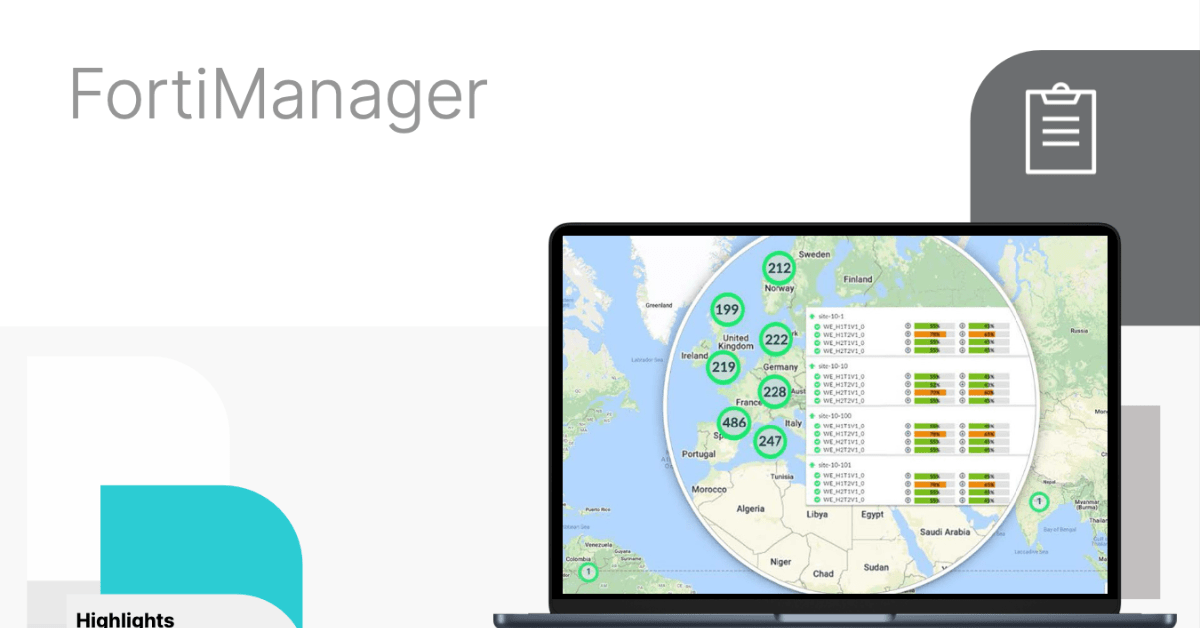
FortiManager
Centralised Management Software for Fortinet Firewalls and Security Devices.
FortiManager with FortiAI delivers automation-driven, centralised management of Fortinet devices – enabling full visibility, streamlined provisioning, config validation and IoT vulnerability analytics.
What is FortiManager?
FortiManager is a central management platform for Fortinet devices, enabling IT teams to configure, update, and enforce security policies across firewalls and other Fortinet infrastructure from one place.
As a certified UK Fortinet partner, we setup FortiManager Cloud subscriptions to streamline operations, enforce consistent security policies, and deliver automated reporting for diverse, distributed enterprise and data-centre estates.

Cloud Deployment
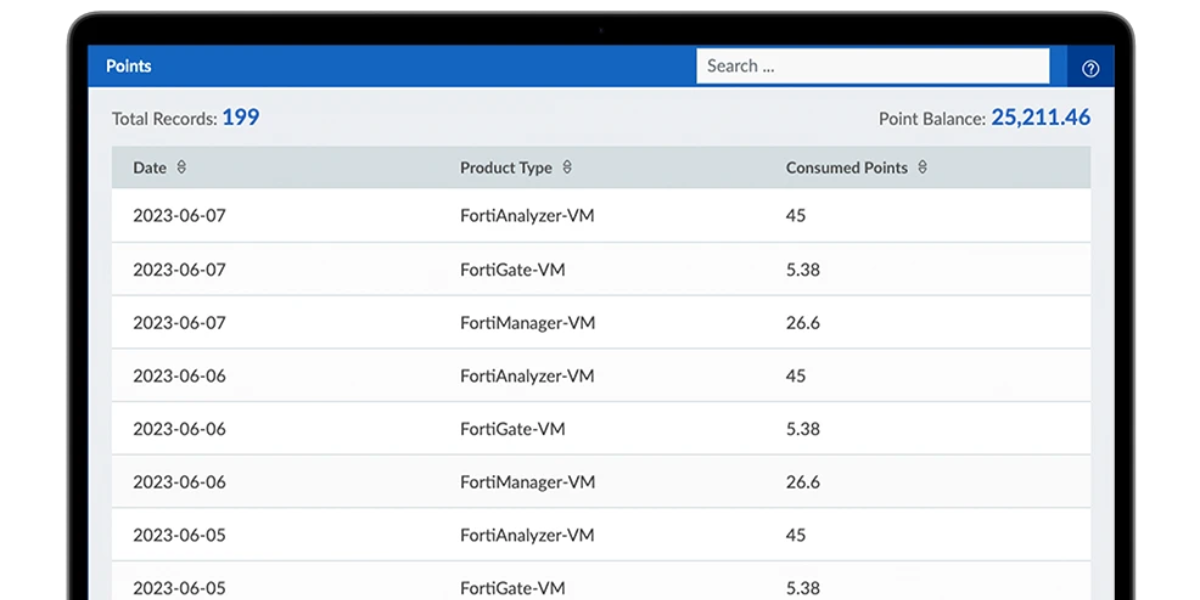
FortiManager is available as a virtual appliance in leading public cloud environments, enabling centralised management without on-premises hardware.
Flexible Scaling
Cloud-based FortiManager-VM expands compute and storage resources on demand, supporting large device counts, high configuration activity and multi-tenant environments.Unified Multi-Cloud Management
Centrally manage FortiGate-VM, SD-WAN sites and hybrid deployments across AWS, Azure, GCP and on-prem networks with consistent policy, templates and automation.Built-In Resilience
Cloud platforms provide regional redundancy, snapshots and failover options to ensure uptime and safeguard configuration data.
As a certified Fortinet partner, Steel City Consulting can seamlessly set up your FortiManager Cloud subscription. Visit our FortiManager Cloud page for details and to request a quote.
Hybrid Deployment
Organisations often combine a cloud-hosted FortiManager with on-prem FortiGates or FortiAnalyzer appliances. This model provides:
- Centralised cloud control
- Local inspection or logging
- Unified automation across cloud and data centre environments
Hybrid deployment is common for enterprises transitioning from hardware to cloud-centric architectures.
On-Premises Deployment
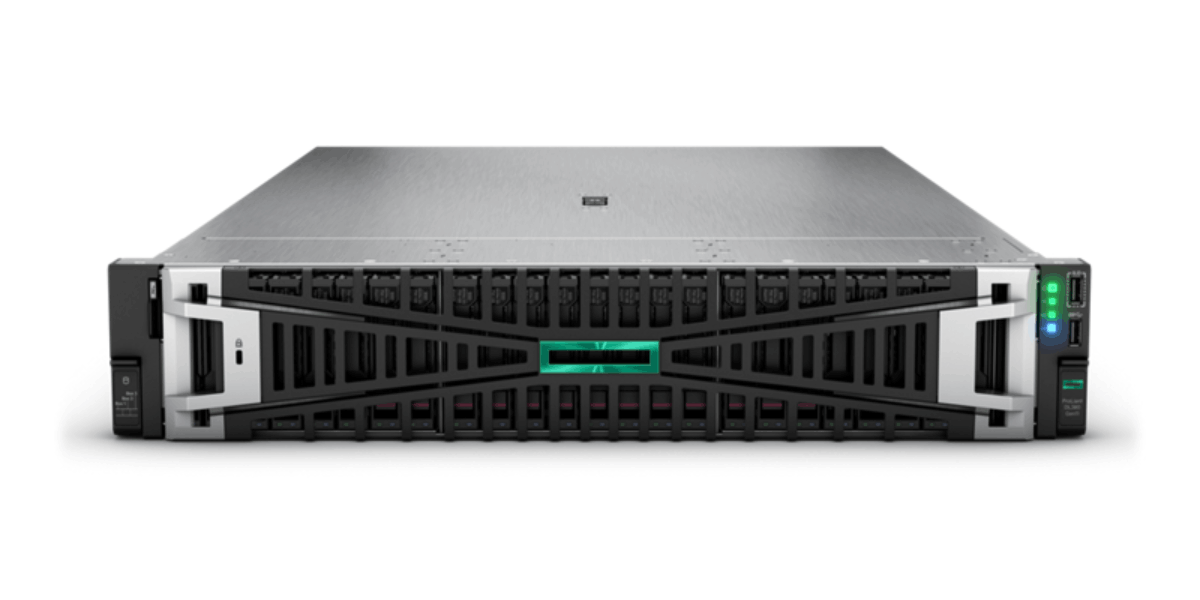
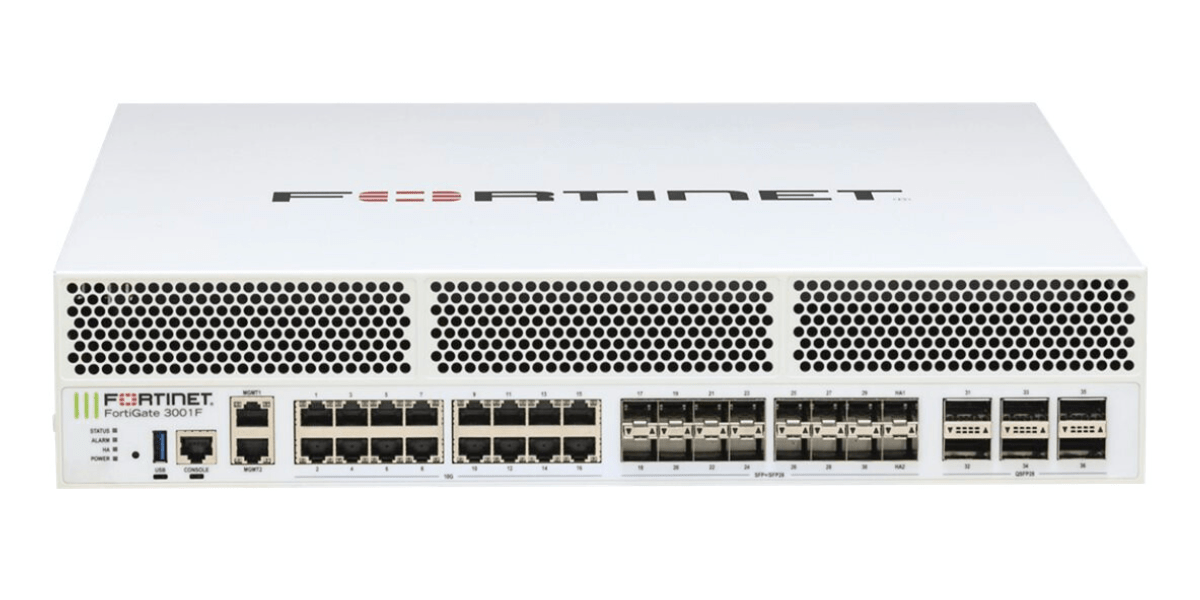
FortiManager is also available as a hardware appliance or on-prem virtual machine. These deployments are still widely used where strict data governance, air-gapped environments, or regulatory isolation is required.
FortiManager Key Features
Centralised Policy and Configuration Management
Unified policy deployment, template-based configuration and change control across the entire Fortinet device estate.
Granular control for security policies, routing, VPNs, high availability, and multi-tenant environments.
Device Lifecycle Orchestration
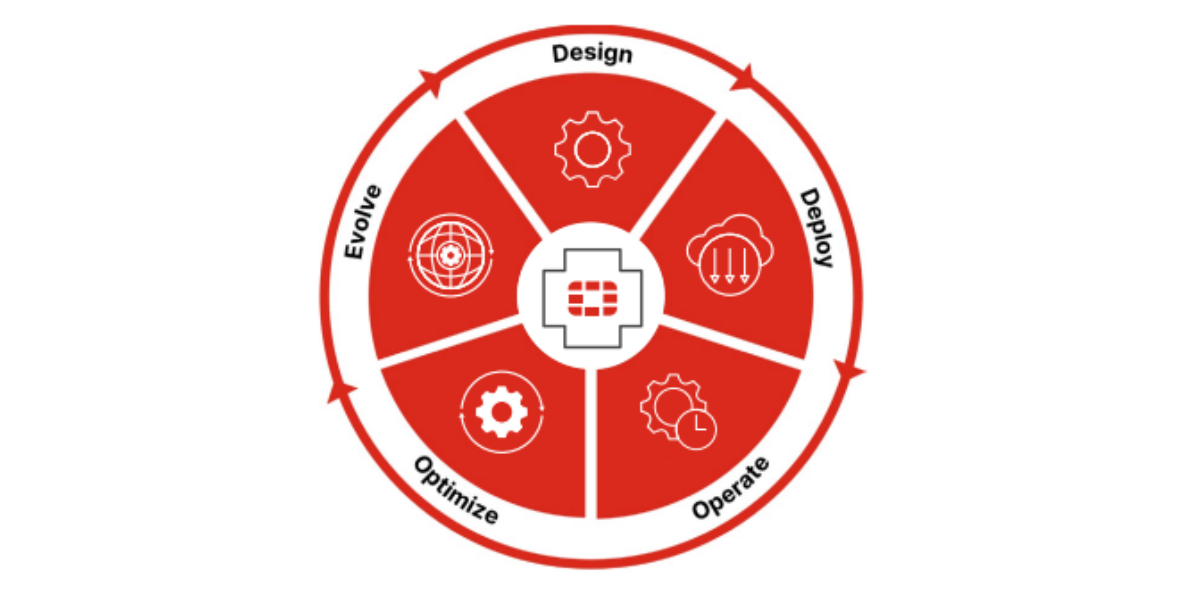
Automated onboarding of new devices, firmware upgrades, and version control to reduce manual effort and configuration drift.
Bulk provisioning and configuration cloning for rapid rollout in large-scale environments.
Automated Workflows and Orchestration
Policy and script scheduling, zero-touch provisioning (ZTP) and workflow automation to streamline routine tasks and reduce operational overhead.
Role-based administration with audit trails and change history.
Advanced Logging and Analytics
Integrated log collection and event analysis to support compliance reporting, troubleshooting and forensic review.
Custom dashboards and analytics for visualising network health, policy status and configuration changes.
Multi-Tenant and Scalability Support
Administrative Domains (ADOMs) and role-based access control (RBAC) for MSSPs and large enterprises to logically segment management.
Scales to manage thousands of devices across distributed branches, clouds and data-centre environments.
Fabric Integration and Orchestration
Tight integration with FortiAnalyzer, FortiSIEM, and other Fabric components to unify security operations, logging, analytics and incident response.
1. Operational Efficiency at Scale
FortiManager centralises and automates repetitive tasks such as policy updates, firmware upgrades and configuration provisioning, significantly reducing administrative workload in large environments.
2. Consistent Security Policy Enforcement
With template-based and centralised policy management, FortiManager enables uniform security posture across all managed devices, reducing configuration errors and security gaps.
3. Improved Visibility and Control
Enhanced logging, dashboards and analytics enable security and network teams to monitor device state, policy compliance and network behaviour from a single pane.
4. Accelerated Deployment and Change Management
Automation tools such as zero-touch provisioning and scheduling accelerate rollout of new services and policy changes, while maintaining audit trails and compliance records.
5. Scalable for Enterprise and MSSP Operations
Multi-tenant architecture with ADOMs and RBAC allows large enterprises and managed service providers to segregate and govern access while maintaining centralised control.