





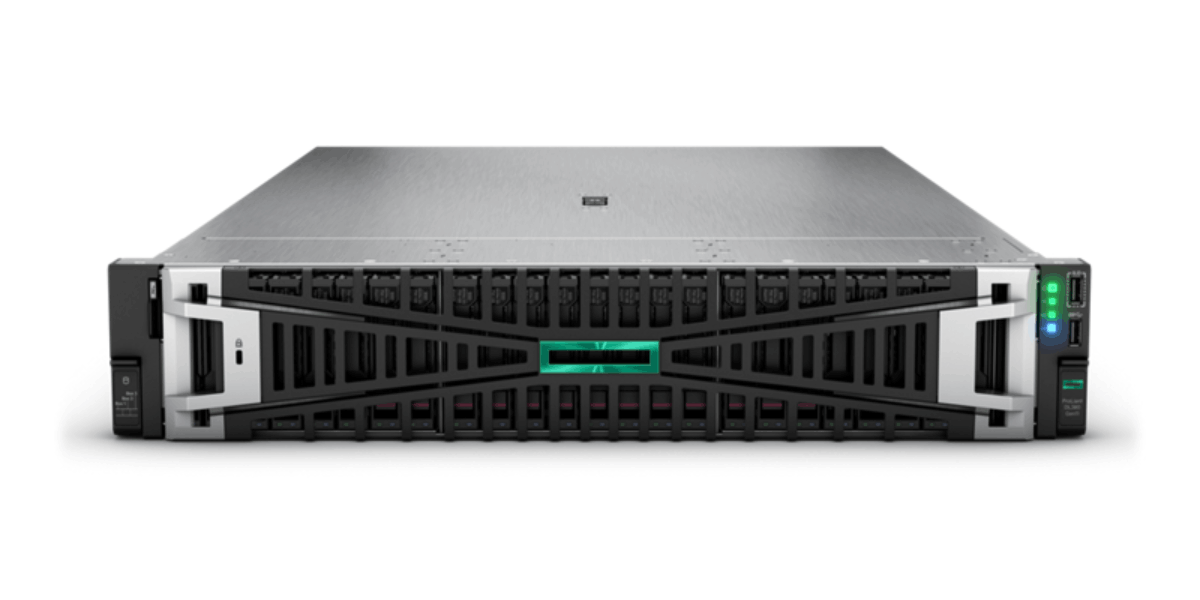
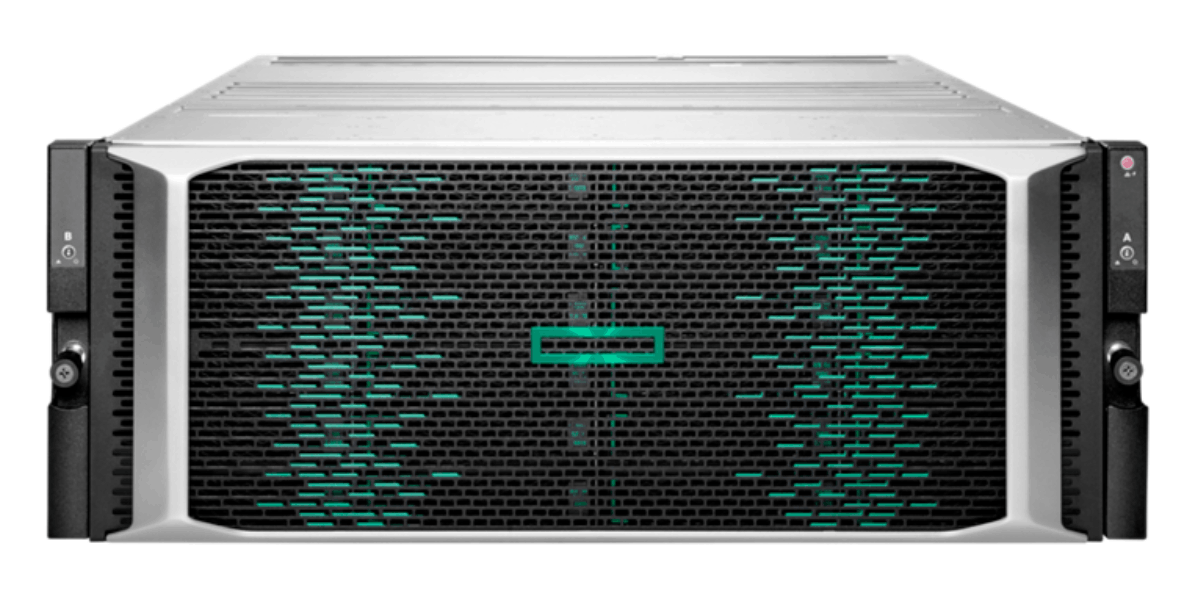
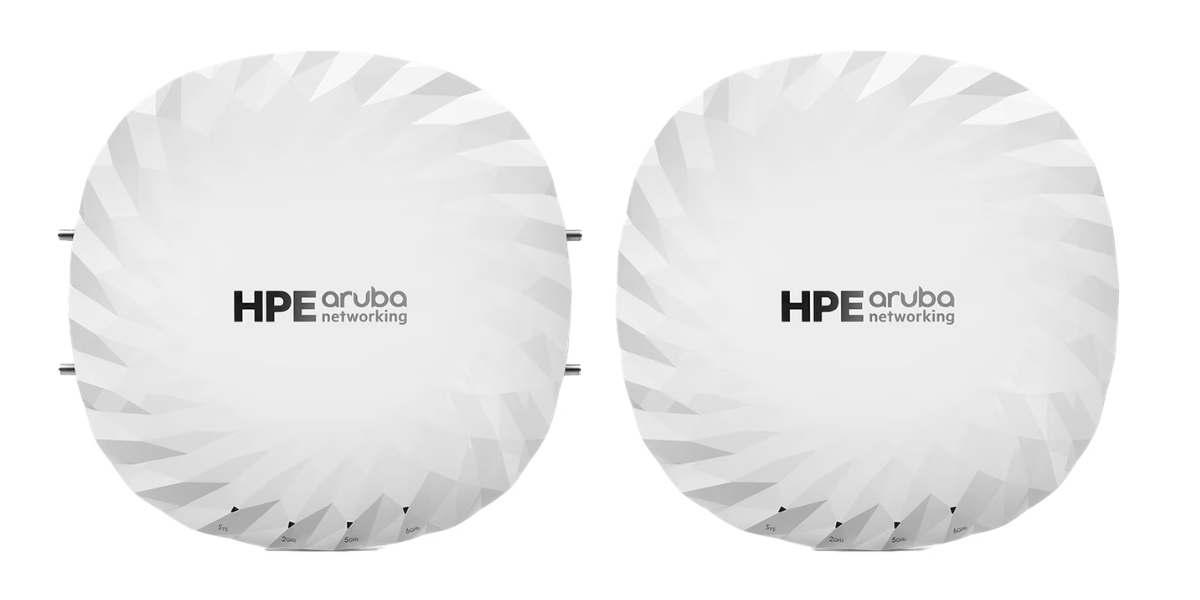
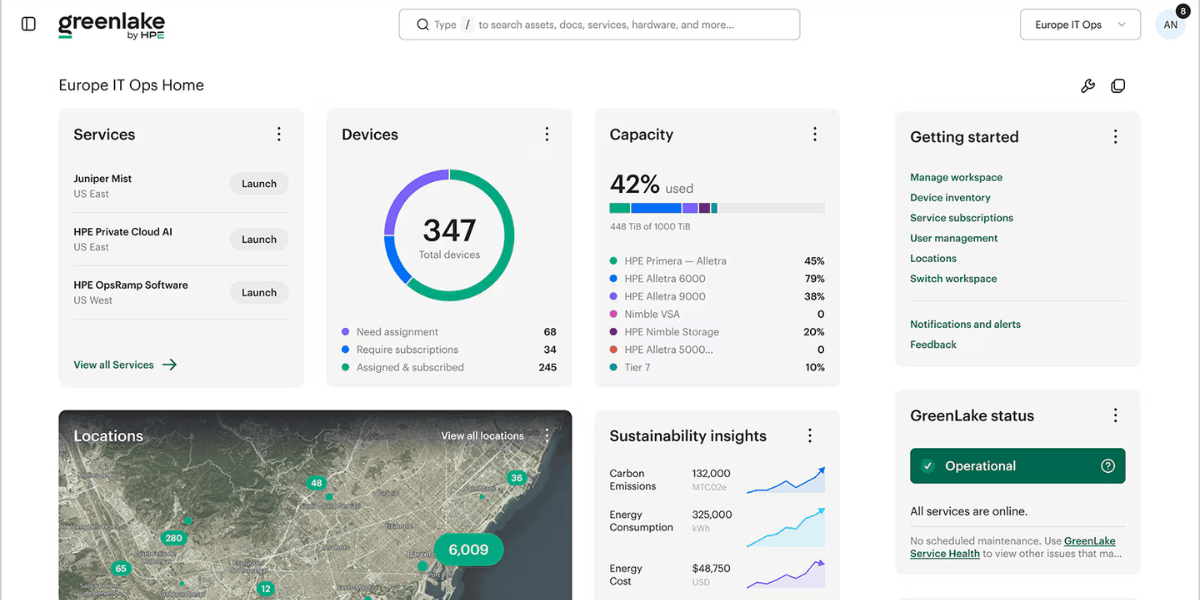



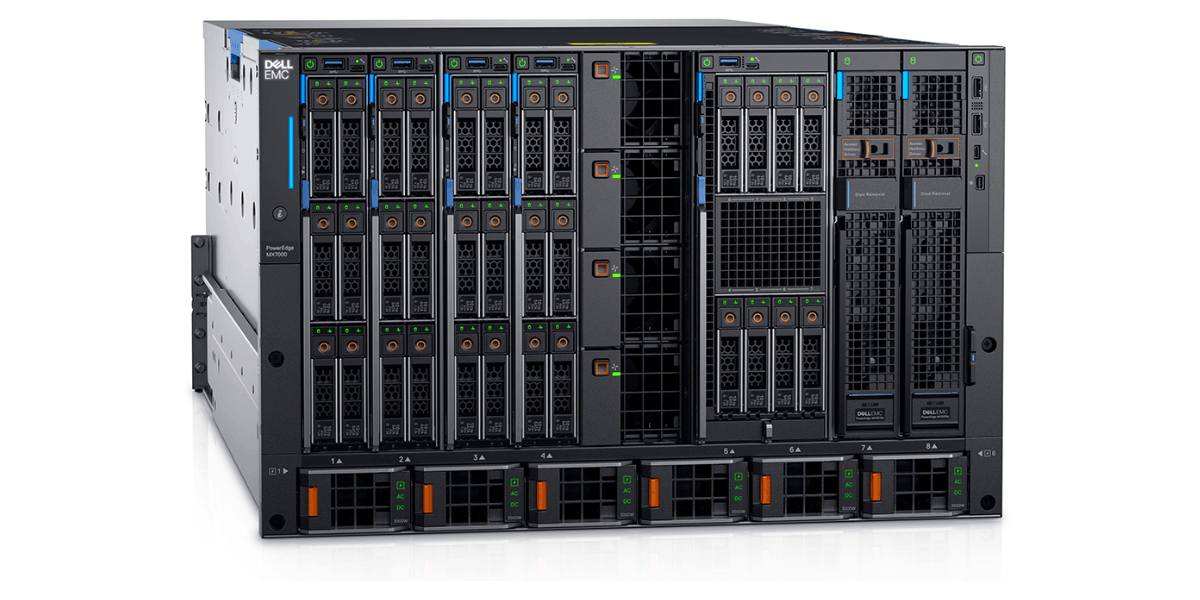
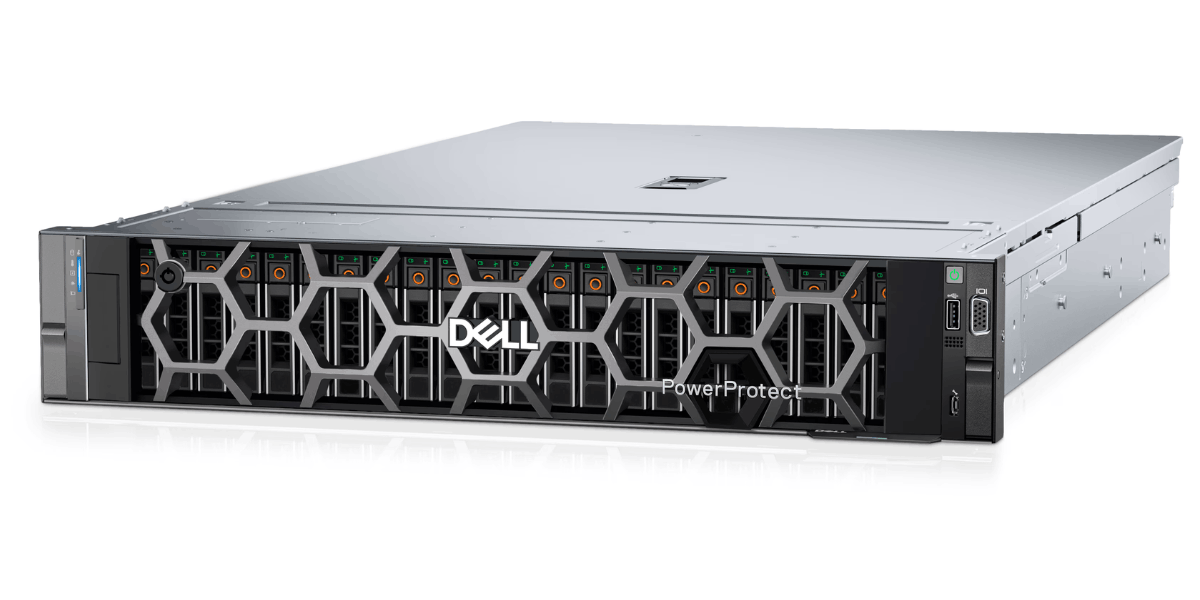
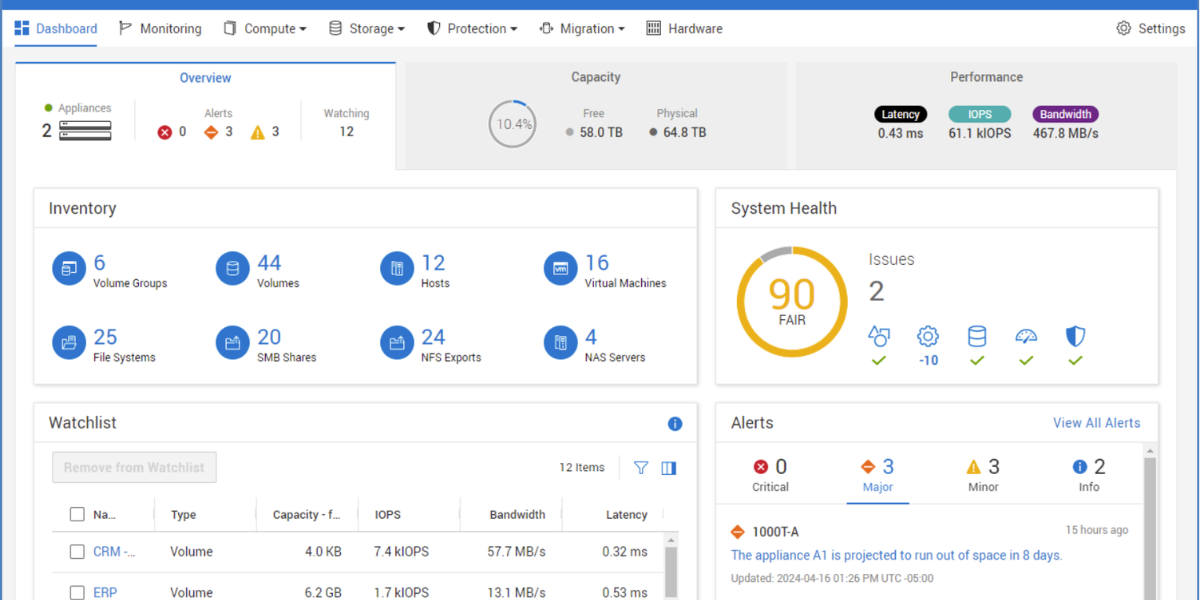

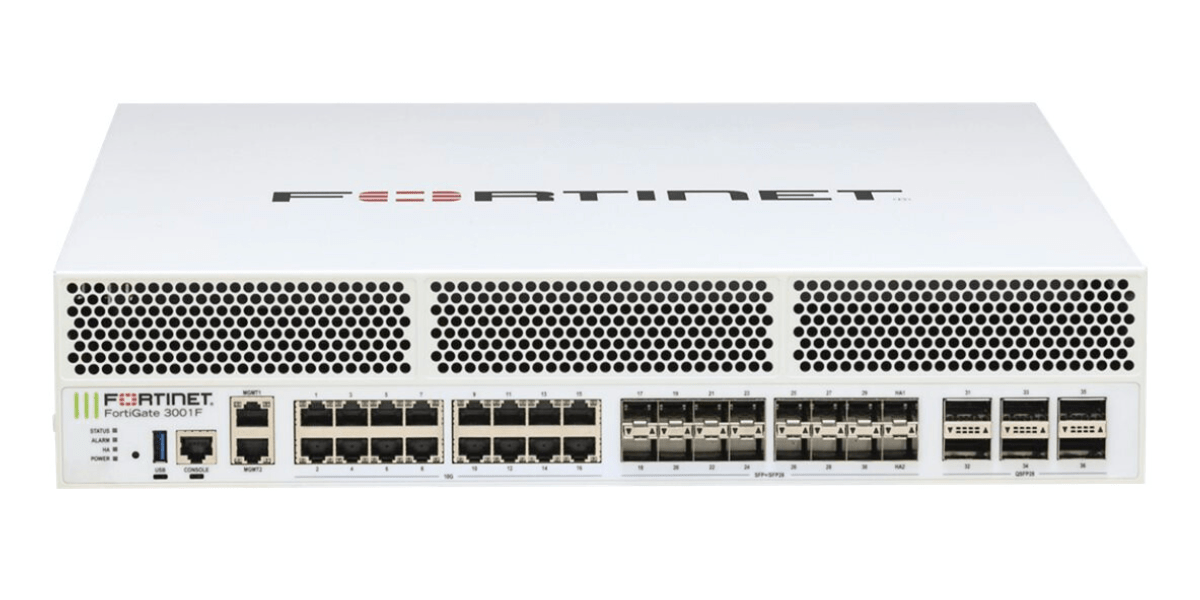



What is AI Storage?
AI storage is infrastructure designed to move, manage and protect the large datasets used by AI workloads without delaying GPU processing.
Built for intensive data movement
AI storage provides the throughput and low latency needed between storage, compute and GPU infrastructure.
Scales with AI projects
Capacity and performance can grow as datasets, models and checkpoints expand.
Supports the complete workflow
It keeps data accessible across preparation, training, inference and protection processes.
The Role of AI Storage in Modern IT Environments
AI storage provides the performance, capacity and resilience needed to keep large datasets moving between storage, GPU infrastructure and the applications that depend on them.
The right platform helps reduce delays during training and inference, supports faster access to shared data and gives infrastructure teams a clearer path for scaling as workloads grow.
As a partner to leading infrastructure vendors, we assess your current environment and recommend storage around your actual workloads, existing systems and growth plans, so your team avoids overprovisioning, integration problems and costly redesign later.
Why Organisations Deploy AI Storage
AI storage helps organisations keep growing datasets available to demanding AI workloads while improving performance, protection and long-term scalability.
Accelerating AI model training
High-throughput access keeps training data and checkpoints moving, helping reduce GPU idle time and shorten training cycles.
Supporting high-performance data access
Low-latency storage helps demanding training, inference and data preparation workloads retrieve large datasets quickly.
Scaling AI workloads efficiently
Capacity and performance can expand as datasets, models, users and GPU infrastructure grow.
Protecting critical AI data
Backup, replication and recovery controls help protect datasets, models and checkpoints against loss, corruption or disruption.
Simplifying AI data management
Shared access helps teams organise, manage and reuse consistent datasets without creating unnecessary copies or isolated storage.
Future-proofing AI infrastructure
A scalable architecture supports larger models, faster compute and new workloads without repeated storage redesign.
Typical Enterprise Use Cases
AI storage supports data-intensive workloads where fast, scalable and resilient access to datasets directly affects AI performance, availability and project delivery.
Accelerating AI Model Training
Keeps training datasets moving quickly to GPU infrastructure, reducing idle time and helping teams complete training cycles sooner.
Supporting Large Language Models (LLMs)
Provides the capacity and throughput needed to store, train and serve large models with extensive data requirements.
Managing AI Data Pipelines
Supports the collection, preparation and movement of data between ingestion, processing, training and inference stages.
Scaling GPU Workloads
Expands storage performance and capacity as GPU clusters, concurrent workloads and AI projects grow.
Enabling High-Performance Data Access
Provides low-latency access to shared datasets, models and checkpoints across demanding AI infrastructure.
Protecting AI Training Data
Uses backup, replication and recovery controls to protect valuable datasets, trained models and development progress.
Key Considerations When Deploying AI Storage
Getting these six areas right will help your team avoid storage bottlenecks, wasted investment and disruptive redesign as AI workloads grow.
Performance Requirements
Define the throughput, latency and input/output performance needed for training, inference and data preparation, so NVMe and NVMe-oF storage is not left waiting.
Capacity Planning
Allow for source datasets, working data, checkpoints and retention growth when sizing enterprise storage beyond current projects.
Data Protection Strategy
Set immutable backup and recovery requirements according to the value and priority of datasets, models and checkpoints.
Scalability Requirements
Confirm how storage capacity and performance will expand alongside datasets, workloads and growing high-performance computing infrastructure.
AI Workload Characteristics
Assess file sizes, access patterns, concurrency and data movement between storage and RDMA networking across the workflow.
Storage Architecture
Choose an architecture that fits GPU systems, cloud services, data pipelines and Fibre Channel infrastructure without creating bottlenecks.

Get a clear recommendation for your network
What We Assess
We work with your storage, infrastructure and AI teams to understand the environment you have today, the workloads you need to support and where investment will have the greatest effect. The result is a clear, evidence-based view of what can stay, what needs attention and what should happen next.
Existing Storage Infrastructure
We review platforms, protocols, capacity, utilisation, support status and management practices. This shows what can be retained, upgraded or consolidated before new infrastructure is considered.
AI Workload Requirements
We assess dataset sizes, file profiles, concurrency, checkpoint frequency and read/write behaviour so the design reflects real workload patterns rather than broad assumptions.
Performance Bottlenecks
We compare storage throughput, latency, network paths and GPU utilisation to determine whether jobs are delayed by storage, connectivity or another dependency.
Capacity & Growth Forecasts
We model current use, dataset growth, retention, temporary working space and planned projects to avoid rushed expansion or unnecessary overprovisioning.
Data Protection Requirements
We classify data by value and recovery priority, then review backup, replication, immutability, retention and recovery testing requirements.
Integration Requirements
We check compatibility with servers, GPU systems, networking, cloud services, data pipelines and management tools, including any migration or operational dependencies.
Project Deliverables
We turn the assessment findings into clear, practical deliverables your technical and procurement teams can use to plan, approve and implement the next stage of your AI storage environment.
Infrastructure Assessment Report
A clear summary of your current environment, identified constraints, risks and priority areas for improvement.
Solution Architecture & Design
A proposed storage architecture aligned with your AI workloads, existing infrastructure and future growth plans.
Technology Recommendations
Suitable platform, networking and data protection options selected around your technical and operational requirements.
Bill of Materials
A defined list of hardware, software, licensing and support requirements for accurate planning and pricing.
Implementation Roadmap
A phased plan covering priorities, dependencies and practical next steps for deployment and migration.
Ongoing Lifecycle Support
Continued support with expansion, renewals, optimisation, upgrades and future infrastructure changes.
Why Work With Steel City Consulting
We’re trusted by IT teams in enterprise environments, data centres and business-critical compute estates. Our role is to help you make the right infrastructure decisions, with practical support across HPE, Dell and Cisco UCS.
- Official multi-vendor partner Pricing, licensing and upgrade routes across leading infrastructure vendors.
- Decades of IT expertise Hands-on consultancy across networking, compute, storage and security.
- UK-wide support network Certified engineers and technicians for on-site projects, SLAs and break/fix cover.
Mission-Critical Server Services
Support across the full mission-critical server lifecycle
From architecture and deployment to optimisation and modernisation, we help you build resilient compute for business-critical applications and services.
Architecture & Design
Design resilient mission-critical server infrastructure with the right performance, availability, scalability, data protection and future growth in mind.
Learn more about Architecture & Design →Migration, Deployment & Integration
Replace legacy servers, migrate workloads and deploy new mission-critical platforms with minimal disruption and seamless integration into your infrastructure.
Learn more about Migration & Deployment →Assessment & Optimisation
Assess server performance, resilience, firmware, hardware health and support status to improve reliability, performance and operational efficiency.
Learn more about Assessment & Optimisation →Lifecycle & Modernisation
Plan technology refreshes, replace end-of-life hardware and modernise mission-critical server infrastructure with a structured roadmap for future growth.
Learn more about Lifecycle & Modernisation →Mission-Critical Servers Procurement & Vendor Support
We help you compare suitable mission-critical server platforms across HPE, Dell and Cisco UCS — balancing performance, configuration, availability, lifecycle status and total cost.
Right-sized server selection
Match processing, memory, resilience and performance to your requirements.
Licensing & support guidance
Get the right licensing and support for your environment.
Partner pricing & availability
Access competitive pricing and improved lead times.
Trade-in & refresh options
Maximise value from existing equipment and refresh with ease.
Need help with mission-critical servers?
Speak to our experts about design, deployment, optimisation or modernisation of your business-critical compute environment.
Explore Related Technology
AI storage rarely sits in isolation, these categories cover the compute, servers, and storage tiers it's most often deployed alongside.
AI & GPU Servers
The compute layer that AI storage feeds, sized so data throughput doesn't become the bottleneck during training or inference.
Browse modelsStorage Servers
Dedicated server platforms for holding and serving large training datasets alongside your AI storage array.
Browse modelsHigh-Performance SAN Storage
Block-level storage arrays offering the low-latency access many AI and machine learning pipelines depend on.
Browse modelsAll-Flash Storage
The throughput tier most AI storage deployments are built on, keeping GPUs fed rather than waiting on data.
Browse modelsRelated Solutions
AI storage is a critical part of your wider AI infrastructure, linking data throughput with the compute and data centre resources it feeds. The solutions below connect AI storage into a more complete, high-performing IT environment.
Data Centre Modernisation Solutions
Refreshed data centre infrastructure built to support the throughput and density AI storage requires.
Explore data centre modernisation ›AI Infrastructure Solutions
End-to-end infrastructure for AI workloads, from GPU compute through to the storage feeding it.
Explore AI infrastructure ›Enterprise Storage & Data Protection Solutions
Storage architecture and data protection strategy for AI datasets and the wider enterprise estate.
Explore storage & data protection ›Enterprise Compute Solutions
Server platforms sized to work alongside AI storage, from GPU training clusters to general enterprise compute.
Explore enterprise compute ›FAQ
How do I choose the right AI storage platform?
Choose an AI storage platform by matching required throughput, protocol support, capacity growth, GPU cluster size, and data protection needs.
Start by mapping your model training and inference workloads, dataset size, and GPU count against the throughput and protocol support of Dell and HPE platforms. Our vendor comparison can help narrow the right option.
How do Dell PowerStore/PowerMax and HPE Alletra compare for AI storage?
Dell PowerMax is strongest for mission-critical, high-throughput workloads, PowerStore for flexible mid-range deployments, and HPE Alletra for unified block and file access with GreenLake scaling.
PowerMax suits large-scale training environments needing consistent low latency at volume. PowerStore fits teams wanting NVMe performance without PowerMax's cost. Alletra suits organisations wanting consumption-based scaling alongside existing HPE infrastructure. See the full breakdown in our vendor comparison above.
Does storage choice affect anything else in the AI infrastructure?
Yes, storage throughput and latency directly affect GPU utilisation, since underpowered storage leaves expensive compute idle while waiting on data.
Storage that can't keep pace with GPU read requests creates bottlenecks during training, extending job times and reducing the return on GPU investment. Network fabric and protocol choice, such as NVMe-oF, also need to align with the storage platform selected.
How do I know if my storage needs replacing or just upgrading?
Replace storage when throughput, capacity, protocol support, or support status can no longer keep pace with GPU cluster demands.
A controller or firmware upgrade can help where the underlying array still has adequate throughput and capacity headroom. Replacement is more likely when storage bottlenecks training jobs, cannot support NVMe-oF, or falls outside vendor support.
Can you support existing or mixed-vendor storage environments?
Yes, we support existing and mixed-vendor storage environments, including phased refreshes and migrations from one platform to another.
We identify which arrays can stay, what should be replaced, and how the transition should be managed. This avoids unnecessary rip and replace while keeping performance, capacity, and support clear. Book a free consultation today.
What protocol should we be specifying for a new AI storage deployment?
Specify NVMe-oF where GPU clusters need the lowest possible latency, and Fibre Channel where existing SAN infrastructure and stability are priorities.
NVMe-oF over Ethernet or InfiniBand suits new, performance-led deployments feeding large GPU clusters. Fibre Channel remains a solid choice where a mature SAN already exists. We confirm which protocol the exact array and network fabric specified actually support.
Get expert advice, with no obligation.
